Tasks
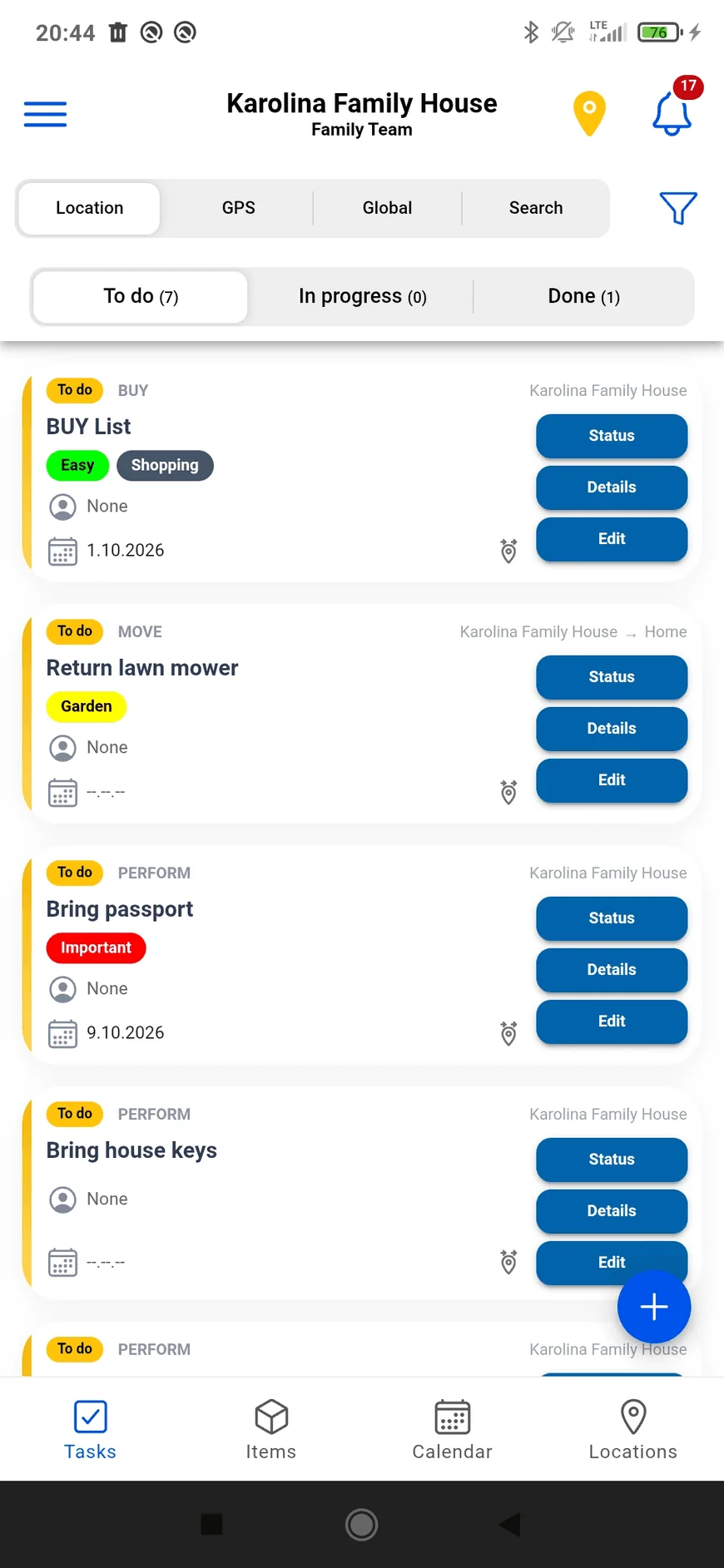
An assignee, progress and tags. Plan things to do, buy or move between places.
Open in the demo
Know where your things are, what needs doing and what’s coming up. Organize life at home or share the work with your team.
Start with the area you need. Your items, tasks and events stay together in the workspace you choose.
An assignee, progress and tags. Plan things to do, buy or move between places.
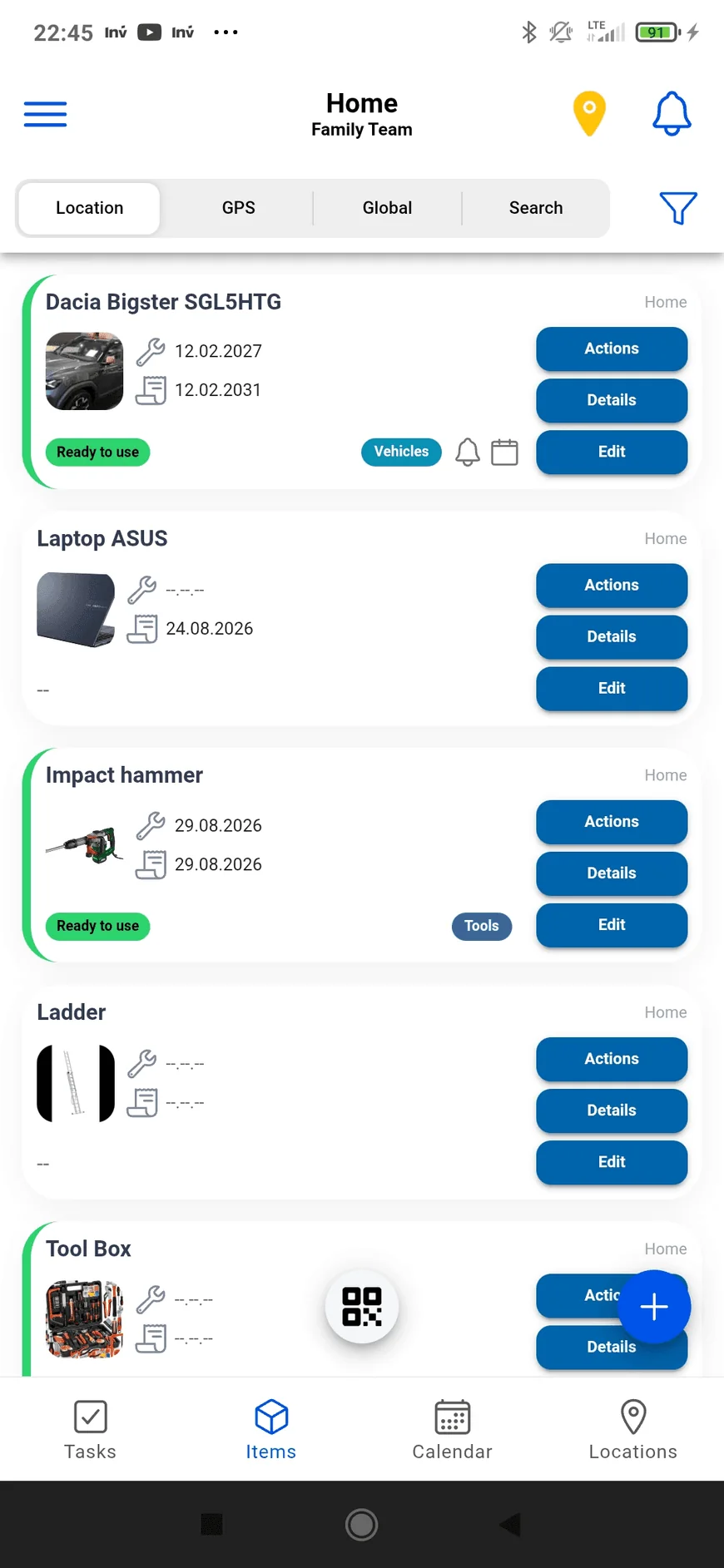
Open in the demoPhotos, documents, statuses and categories. Record where an item belongs, its next service and its warranty date.
Open in the demoMeetings and visits with people, tasks and items attached. Plan one event or a series, for a few hours or several days.
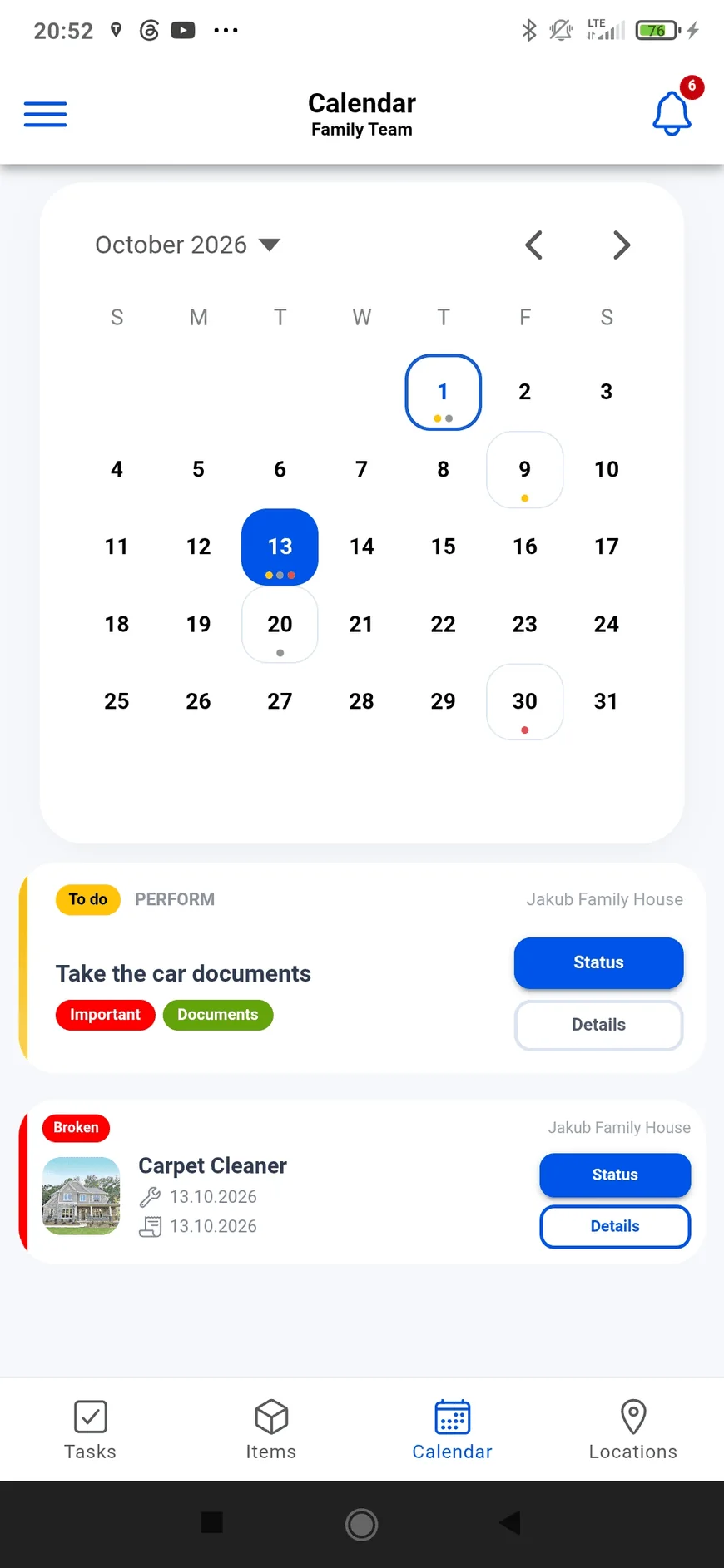
Open in the demoEvents and task deadlines alongside service and warranty dates. Check what is coming up on a chosen day.
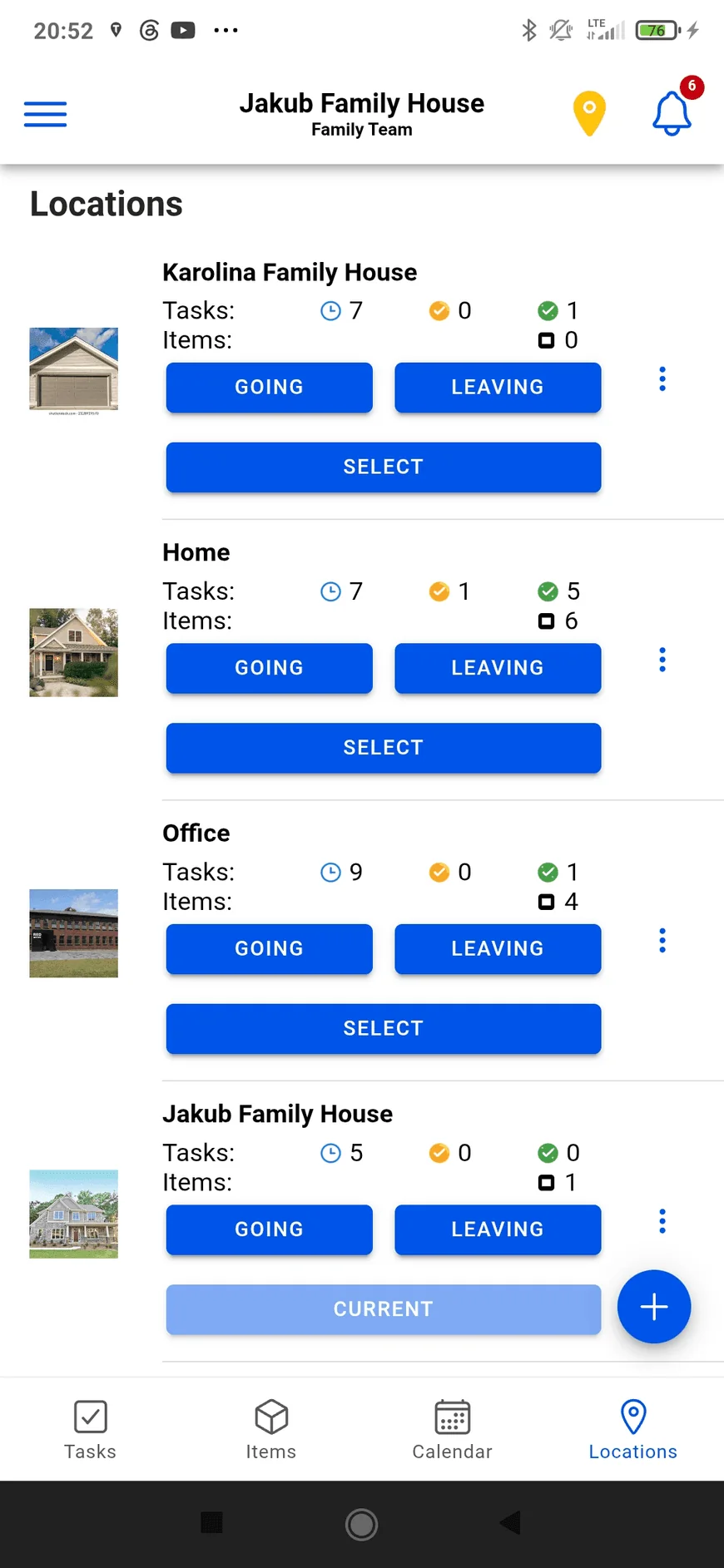
Open in the demoHome, office, warehouse or a point on the map. See the tasks, items and upcoming events connected to each place.
Open in the demoSeparate home and work. Share records with family or teammates and manage access through owner, admin and member roles.
Explore sharingChoose a home, construction or field-work example. Open events, follow linked tasks and items, and explore the calendar and location cards.
This demo uses sample data and includes selected app features. Its map is illustrative; the Android app has the full experience.
An event brings the date, place and people together. Link the tasks and items you’ll need so you can check them from the event’s details.
Schedule regular meetings or service visits. Change one occurrence, this and following occurrences, or the whole series.
Cards show when you’re organizing or participating. Assigned tasks are marked too, so your own work is easier to spot.
Choose a saved location or a GPS point. Location cards count upcoming events and recurring series separately.
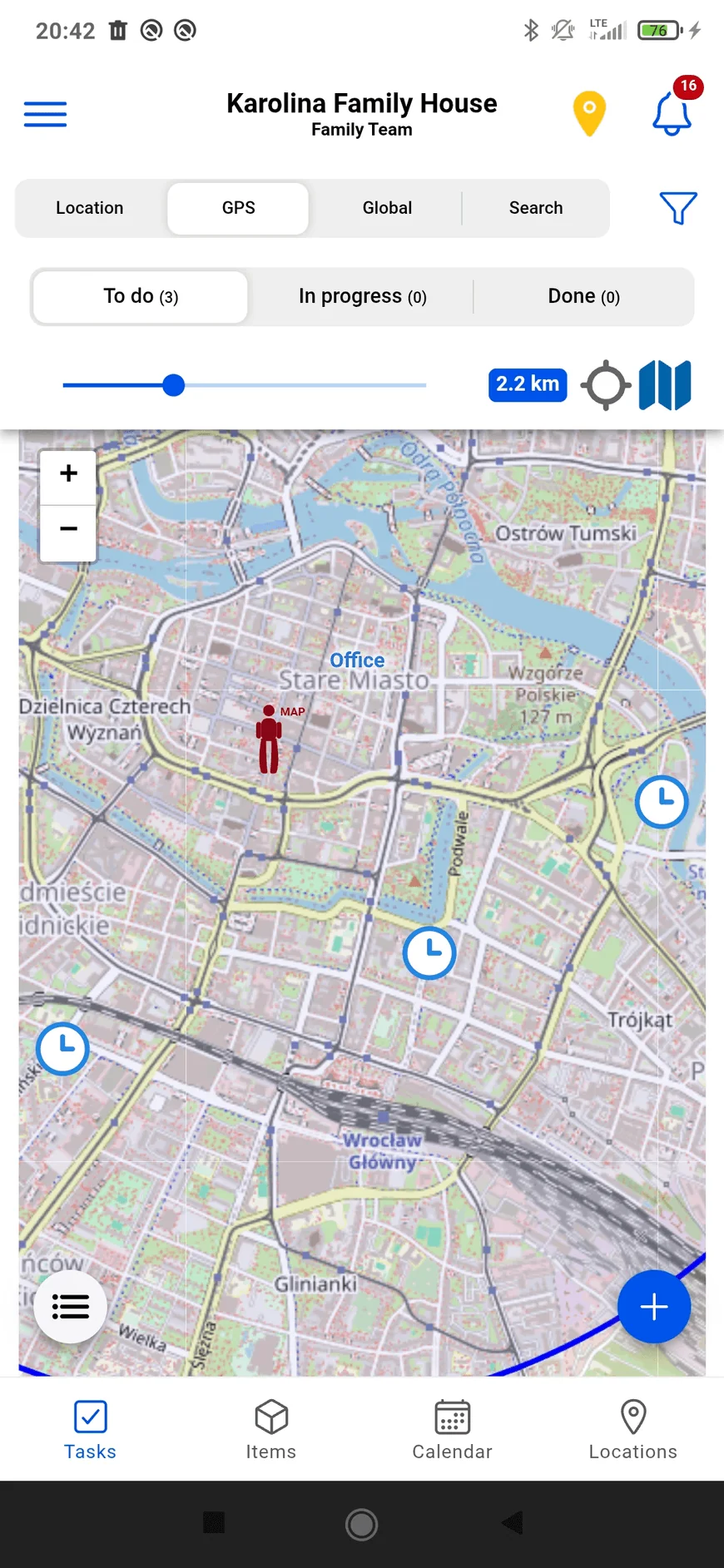
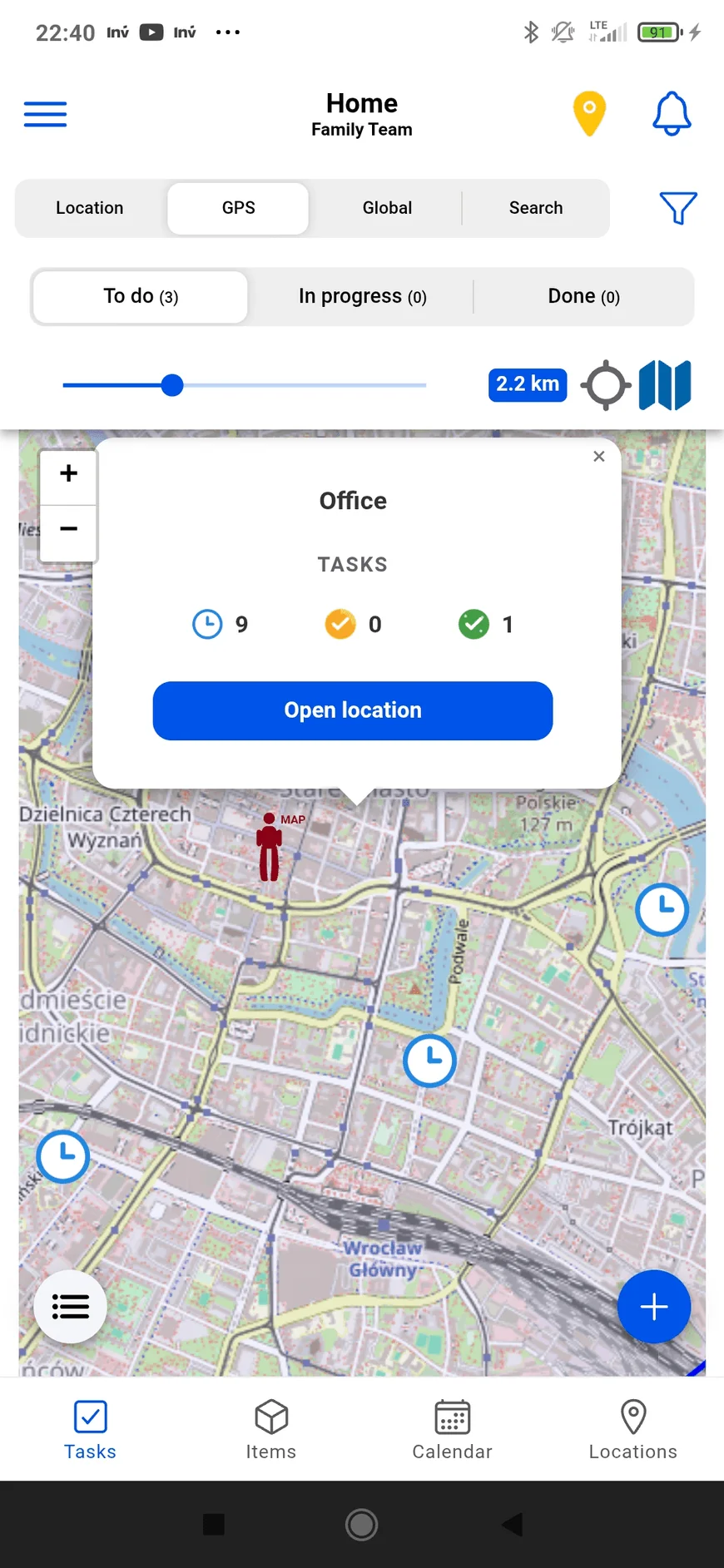
Save places you visit, set GPS points for tasks, items and events, and switch between a list and a map.
Swipe to see more screens
Swipe to see more screens
Swipe to see more screens
Open a section to explore the features that matter to you.
Create tasks for a saved location, a GPS point or your general list. Assign someone and follow their progress.
Open a location’s Going or Leaving report to review errands, things to move and unfinished tasks.
Add photos, notes and files to an item. Record where it belongs, its service date and when its warranty ends.
Generate a PDF of QR labels for selected items. A code helps you identify the item and open its information.
A person who finds a labeled item can scan its QR code to see the owner’s contact option.
View GPS tasks, items and events on a map. Location markers show how many upcoming events belong to each place.
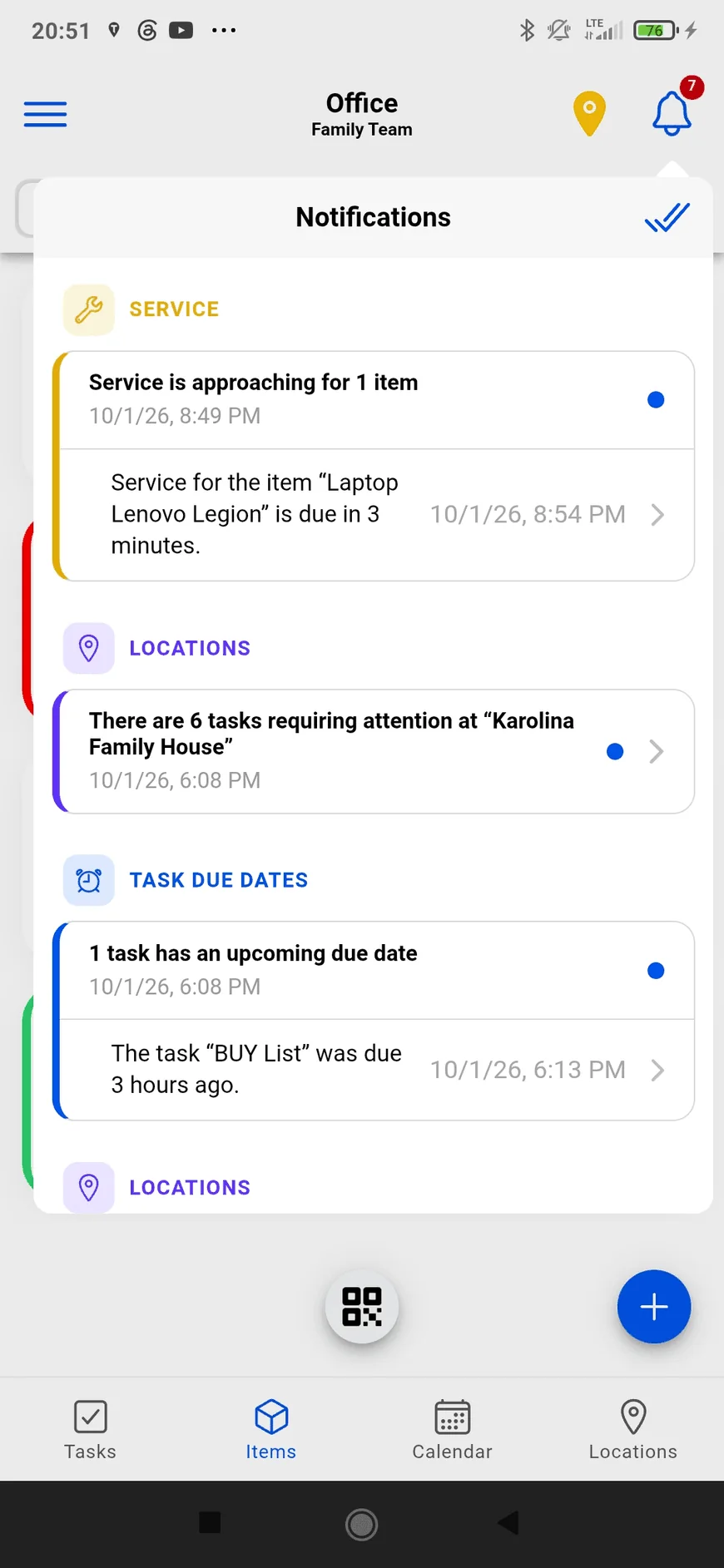
Choose reminders for tasks, events, service visits and warranties. Location alerts can also help you remember tasks when arriving or leaving.
See events, task deadlines, service dates and warranty dates together. Multi-day events appear on every day they cover.
Share a workspace with your family or team. Invite members, assign tasks and choose event organizers and participants.
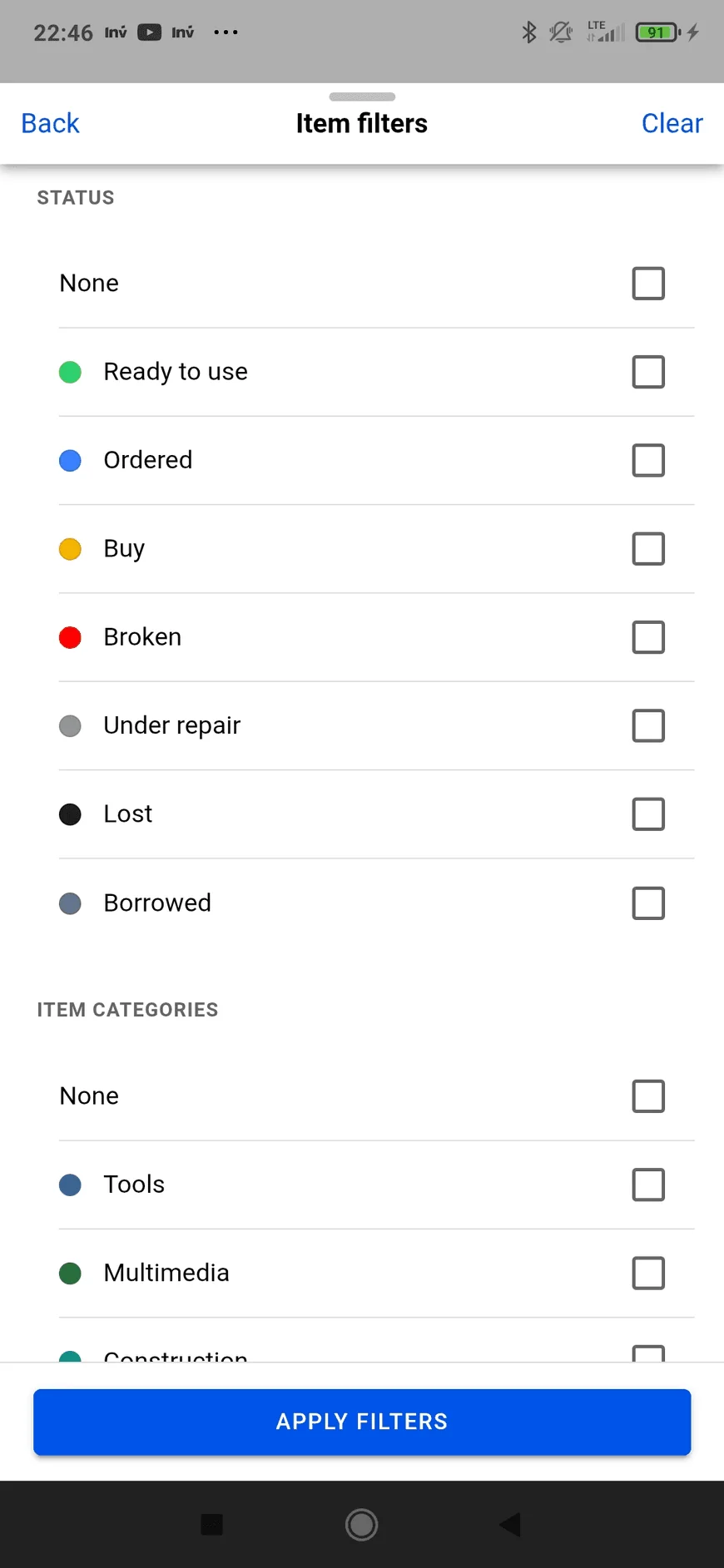
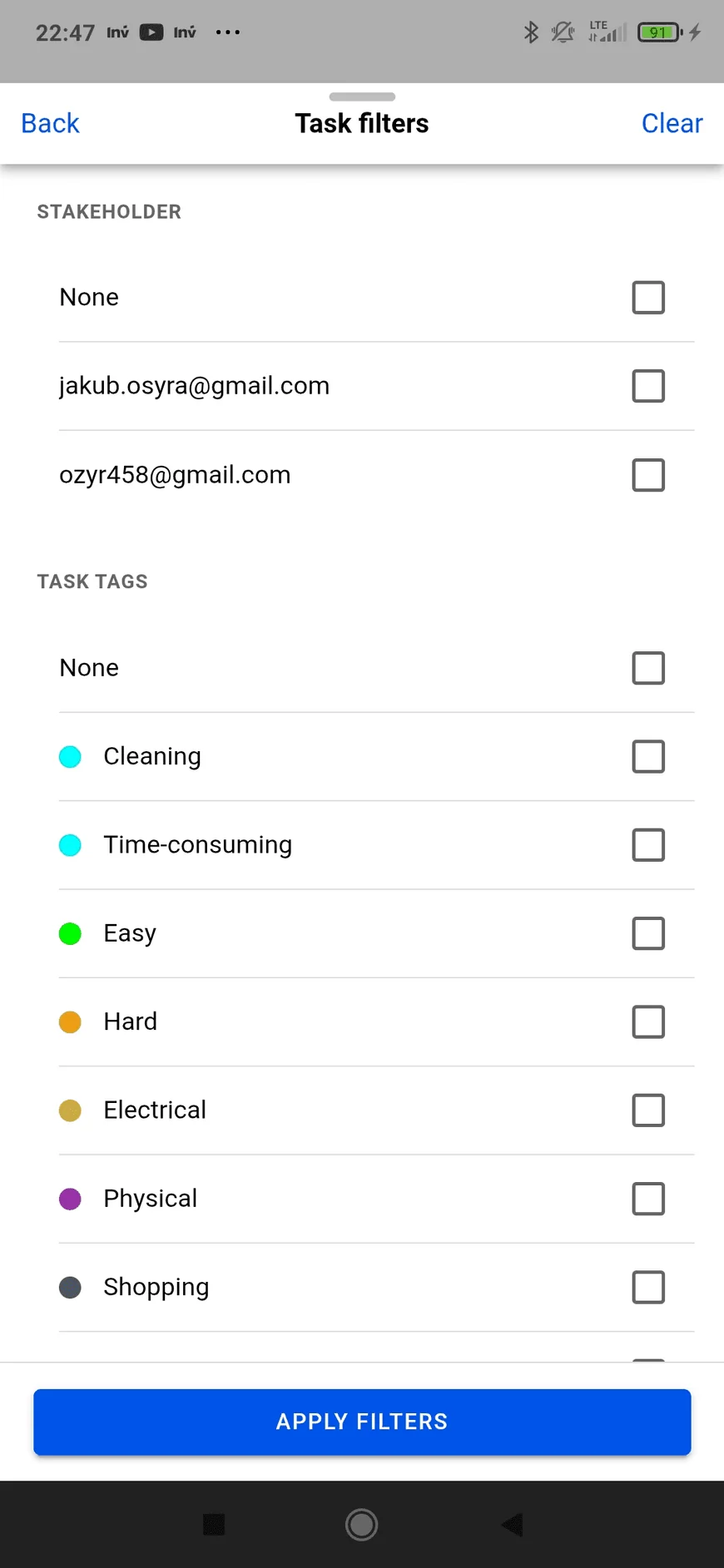
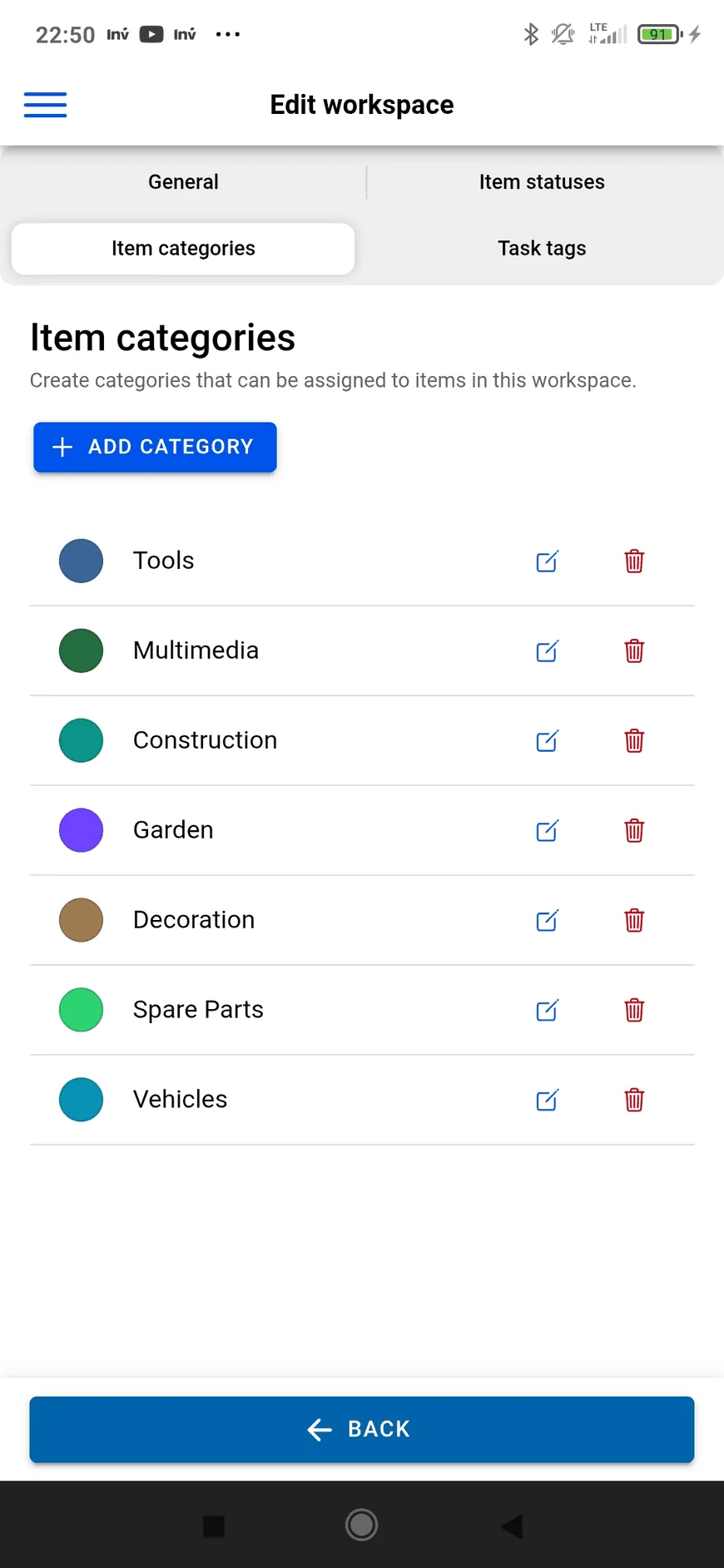
Filter items by status or category and tasks by person, type or tag. Give your workspace its own names and colors.
Plan timed, all-day and multi-day events. Set a daily, weekly, monthly or yearly repeat when you need it.
Receive a push notification when someone assigns you a task or adds you to an event. Tap it to open the details.
Explore ways to organize equipment, plan maintenance, use QR labels and keep work connected to places.
Explore the use casesStart with a place, a few items and the next thing you need to do.
Get Tracta for Android